Speaker Test
Compare clarity yourself
Reference audio for comparing speaker clarity. WaveEject does not automatically diagnose hardware. You make the comparison.
- Bass
- Voice
- Treble
Android speaker care
WaveEject uses controlled sound waves to help move moisture around your phone speaker and gives you focused tools to compare speaker clarity.
Tools
WaveEject is a speaker-care and audio utility. It is not a phone cleaner, booster, or antivirus suite.
Water Eject
Controlled sound patterns designed to help move trapped moisture around the phone speaker grille. WaveEject does not guarantee water removal.
Standard pattern
Speaker Test
Reference audio for comparing speaker clarity. WaveEject does not automatically diagnose hardware. You make the comparison.
Manual Frequency
ProChoose and play a frequency yourself, from 100–300 Hz. This is a WaveEject Pro feature.
100–300Hz
Deep Clean
ProPremium extended cleaning patterns. The difference is duration and frequency range. Deep does not use unsafe maximum volume.
| Mode | Duration | Frequency |
|---|---|---|
| Gentle | 30 sec | 165–190 Hz |
| StandardRecommended | 45 sec | 160–210 Hz |
| Deep | 60 sec | 150–220 Hz |
Cleaning History
Completed cleaning sessions can be stored locally. There is no cloud synchronization. Free keeps the latest 3 entries. WaveEject Pro unlocks full history.
How it works
01
WaveEject generates a controlled low-frequency audio pattern through your phone speaker.
02
Place the phone so the affected speaker can move air freely. Disconnect headphones and Bluetooth audio first.
03
Use Speaker Test after a session to compare the result yourself. WaveEject does not diagnose hardware or guarantee repair.
Privacy
WaveEject's core speaker tools do not require access to your microphone, photos, contacts, or location.
Cleaning History is stored locally on the device. Google Play Billing is used for optional WaveEject Pro purchases.
Read the Privacy PolicyNo account required
There is no WaveEject login or cloud profile.
No microphone required
Core audio tools play sound. They do not listen.
No photo access
WaveEject does not request your photos or media library.
No contact access
Your address book is not used.
No location access
WaveEject does not request location permission.
Works offline
Core speaker tools run locally on the device.
Upgrade
One purchase. All premium tools.
Standard Water Eject and Speaker Test remain available without Pro. There is no weekly or monthly plan, no trial countdown, and no fake discount.
The app
The same screens as the Android app — Home, Water Eject, and Speaker Test.
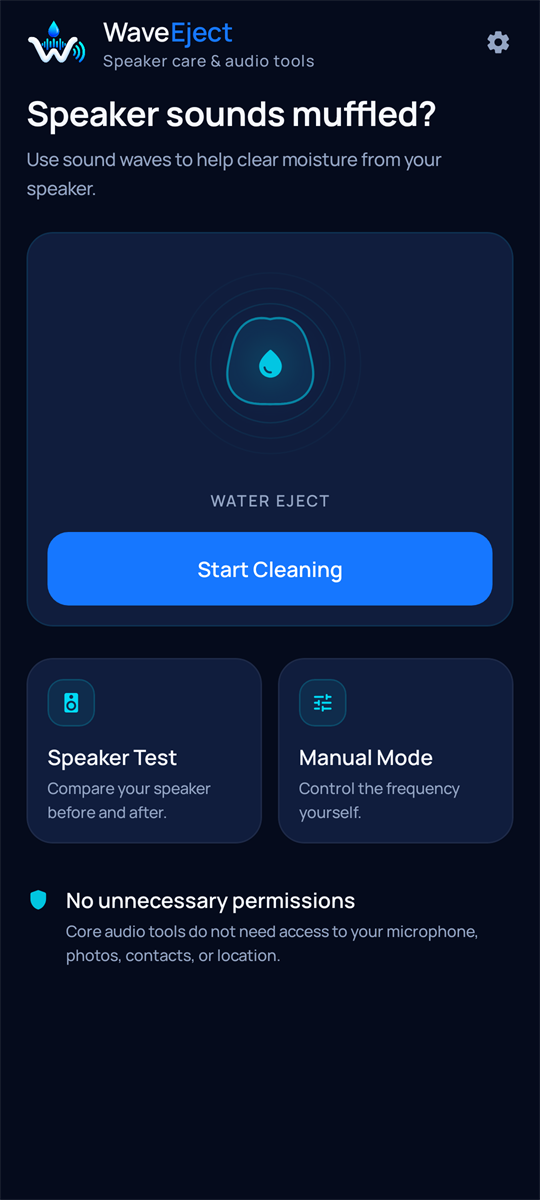
Home
Speaker care tools, without extra clutter.
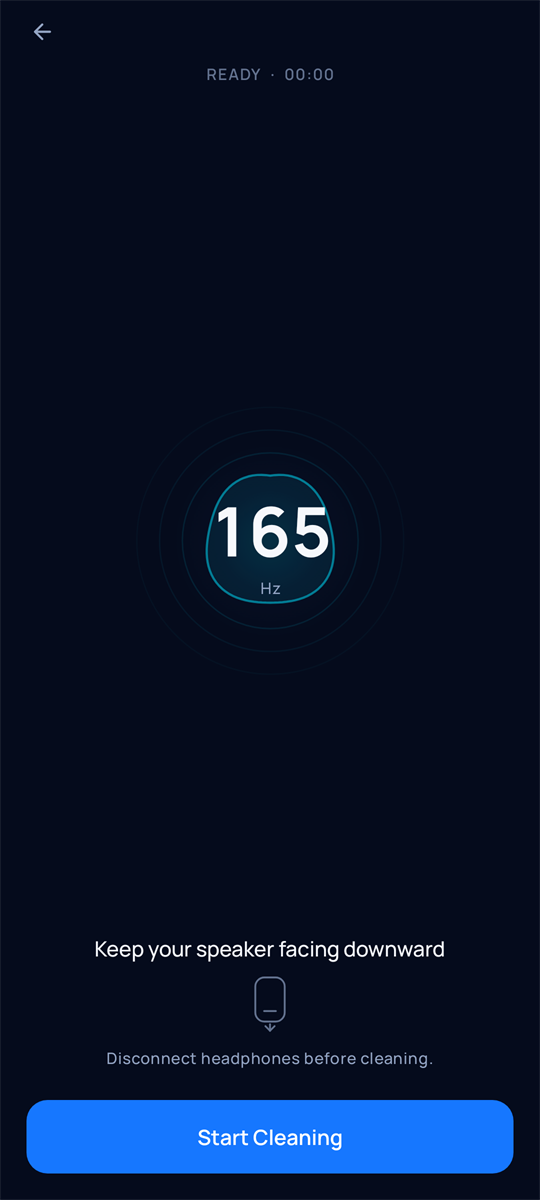
Water Eject
A 30-second controlled pattern at 165–200 Hz.
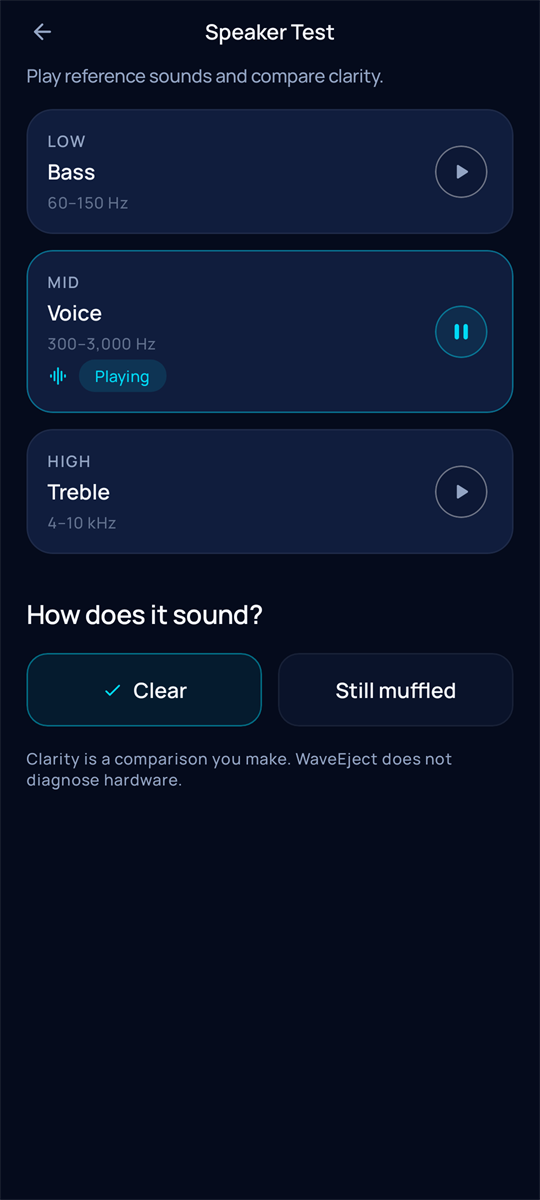
Speaker Test
Bass, Voice, and Treble reference audio.
FAQ
WaveEject helps move moisture and compare speaker clarity. It does not repair hardware or guarantee results.
WaveEject is a speaker-care and audio utility for Android. It plays controlled low-frequency sound patterns to help move moisture around a phone speaker grille, and it includes tools for comparing speaker clarity.
No. WaveEject is not a hardware repair service. It does not repair physical water damage or a mechanically damaged speaker.
No. WaveEject can help move trapped moisture around the speaker grille. Results vary, and water removal is not guaranteed.
No. Core speaker and audio tools do not require microphone access. WaveEject plays sound through the speaker; it does not listen through the microphone.
Water Eject is meant to move air at the phone speaker. Headphones and Bluetooth audio send sound elsewhere, so the phone speaker will not play the pattern.
WaveEject uses your media volume. It does not require maximum volume. Use a comfortable level. The app may advise you if media volume is very low or at maximum, but you remain in control.
Speaker Test plays reference audio in Bass, Voice, and Treble so you can compare speaker clarity yourself. WaveEject does not automatically diagnose hardware.
Deep Clean is a WaveEject Pro feature with longer, wider frequency patterns: Gentle (30 sec, 165–190 Hz), Standard (45 sec, 160–210 Hz), and Deep (60 sec, 150–220 Hz). Deep is extended, not louder. Maximum volume is not required.
WaveEject Pro unlocks Deep Clean modes, Manual Frequency (100–300 Hz), full Cleaning History, and an ad-free entitlement. The standard Water Eject pattern and Speaker Test remain available without Pro.
No. WaveEject Pro is a one-time lifetime purchase processed by Google Play. There is no weekly or monthly subscription.
Open Settings and choose Restore Purchases while signed into the same Google Play account that made the purchase. Google Play remains the source of ownership.
Completed sessions are stored locally on the device. WaveEject does not sync history to a WaveEject cloud account. The free version shows the latest 3 entries; Pro unlocks full history.
No. There is no WaveEject account. Optional Pro purchases use your existing Google Play account, which Google manages.
Controlled sound patterns, reference audio, and optional Pro tools — without a WaveEject account.